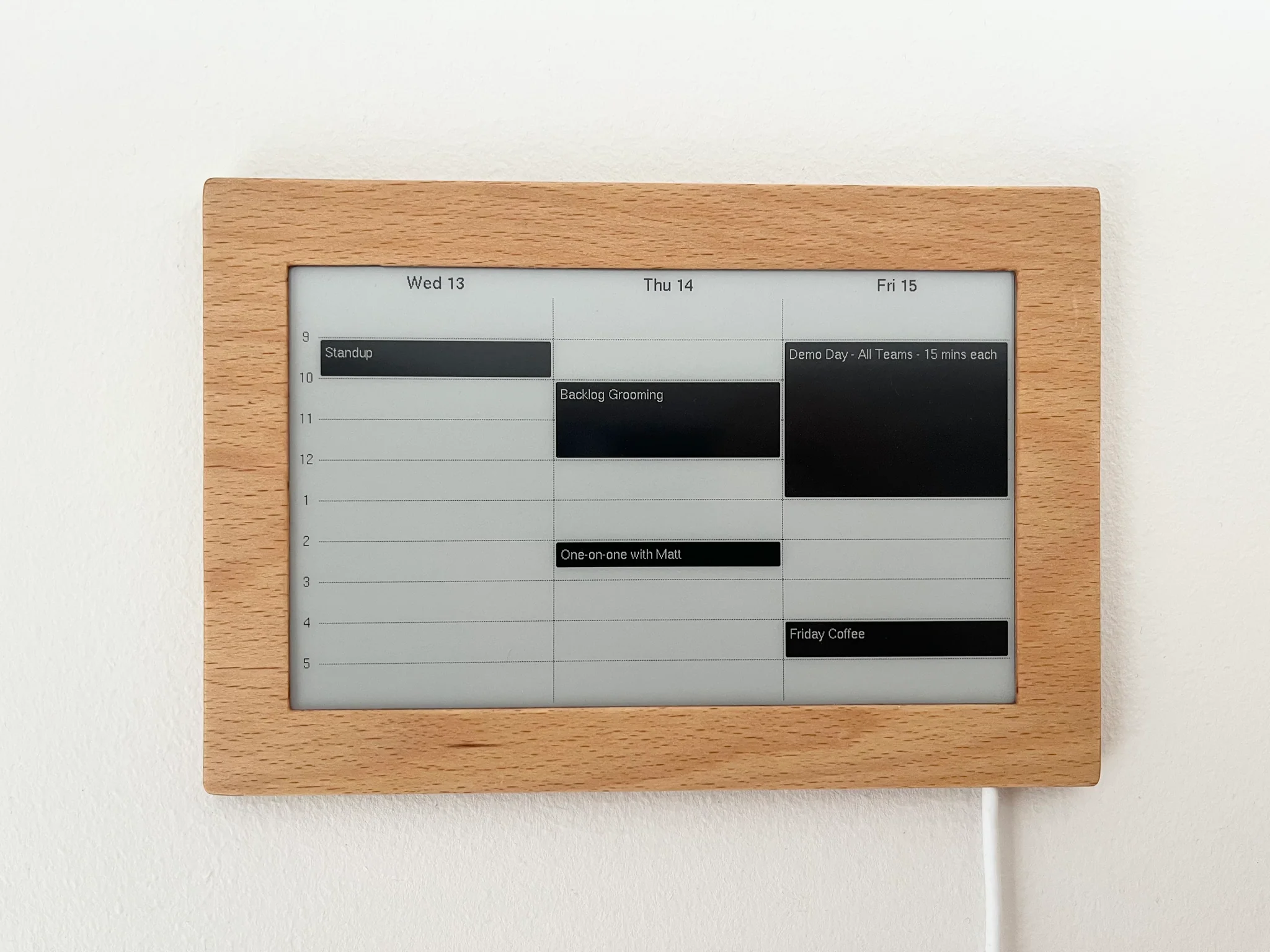
Your Own Design
on Electronic Paper

$149 plus shipping

Buy Now

Serve an image on the internet

Point the display at any URL that returns an image at your display's resolution. We fetch it, convert it, and send it to the screen, and when the image changes, the screen updates. Just paste the URL into the iOS or Android app. Nothing to install and no machine of your own to keep running — a scheduled job that writes a PNG somewhere public is enough.
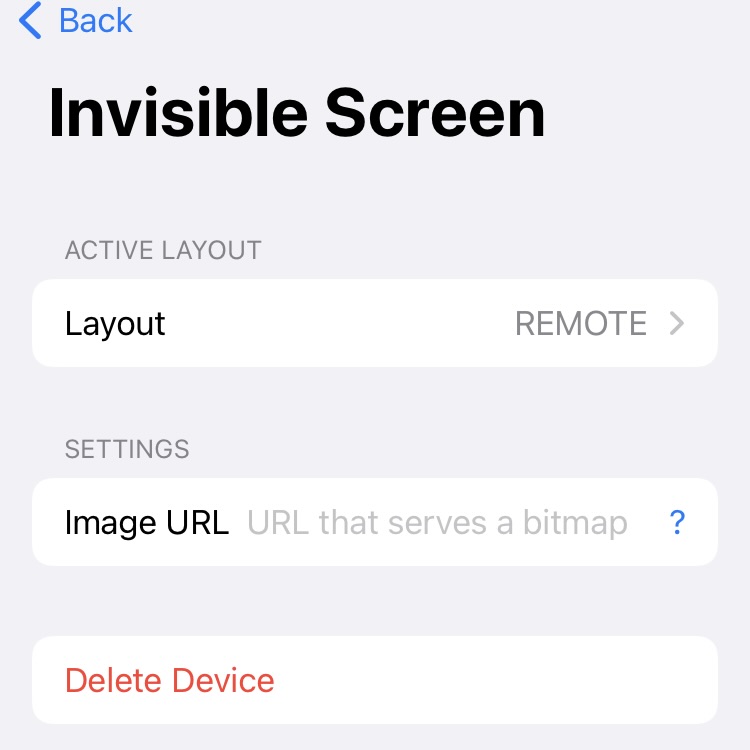
As simple as that

The device requires an image at your display's resolution to be served from a URL that you define. Black-and white .bmp or .png images work best, but the service will also try to convert other formats such as .jpg. But you check out the image-url layout instructions for more details.

Or run the whole thing yourself

Point the display at a server on your own network and we drop out entirely. It asks your server for a screen about once a minute; your server answers with the screen as a black-and-white image buffer, or an empty response meaning "nothing changed". That is the whole protocol — documented, with a reference server in Python: github.com/Invisible-Computers/local-render-server. No account is needed, and nothing is sent to us.

If you don't have the time...

If you're not quite ready yet to build your own smart screen application, you can use the screen with the powerful built-in Google Calendar sync.